3D Vision for Structural Steel Beam Assembly
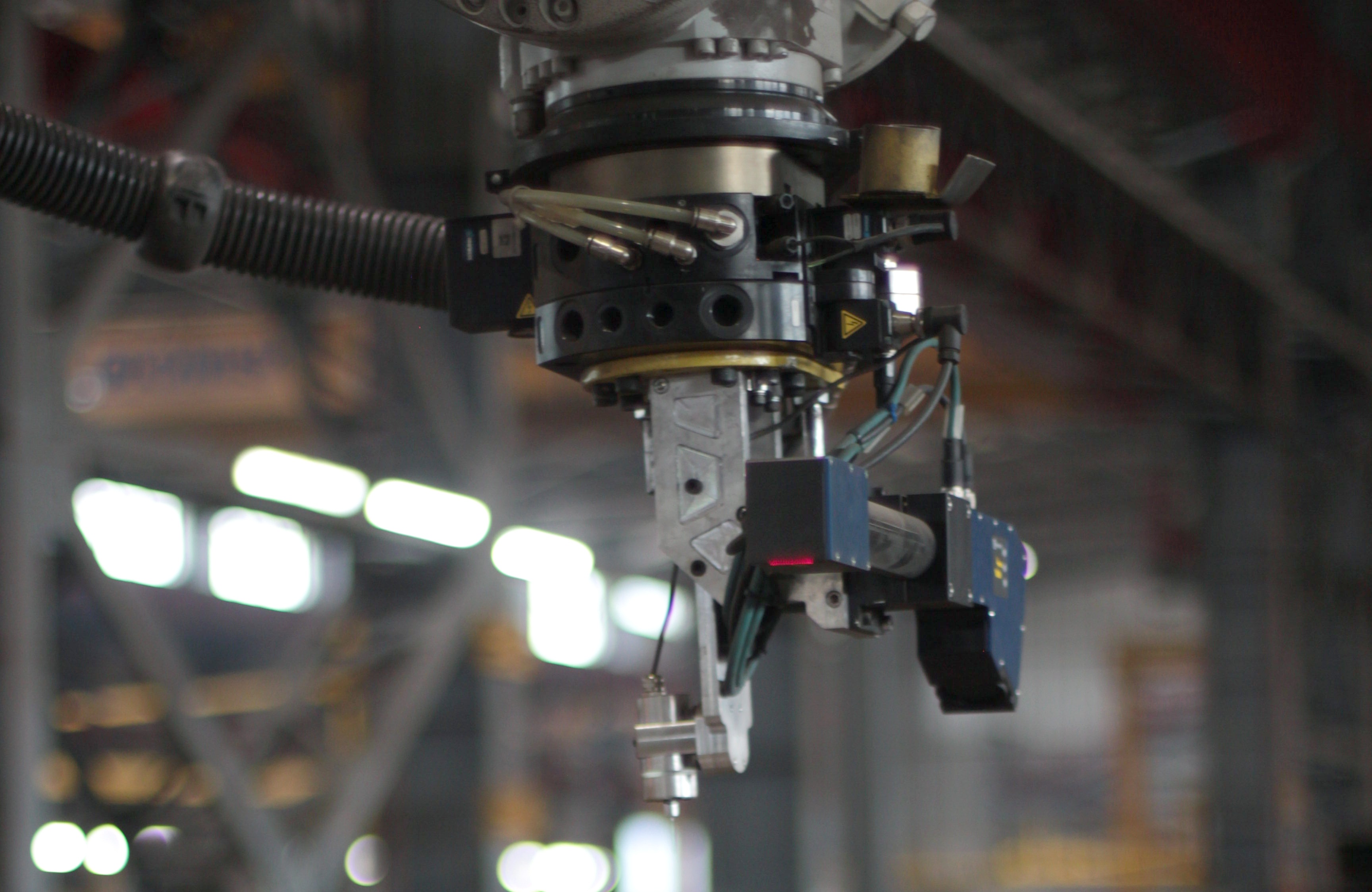
A steel beam in the workshop may not sit exactly where the digital model expects it. Quant Robotics uses a Scanner to measure the beam's actual position and dimensions and match the measured point cloud with the nominal 3D model. The software calculates a coordinate transformation from the match. Before the transformed positions are sent to the assembly robot, the operator reviews the result and confirms whether the job can continue.
Measure the Beam Against Its Model
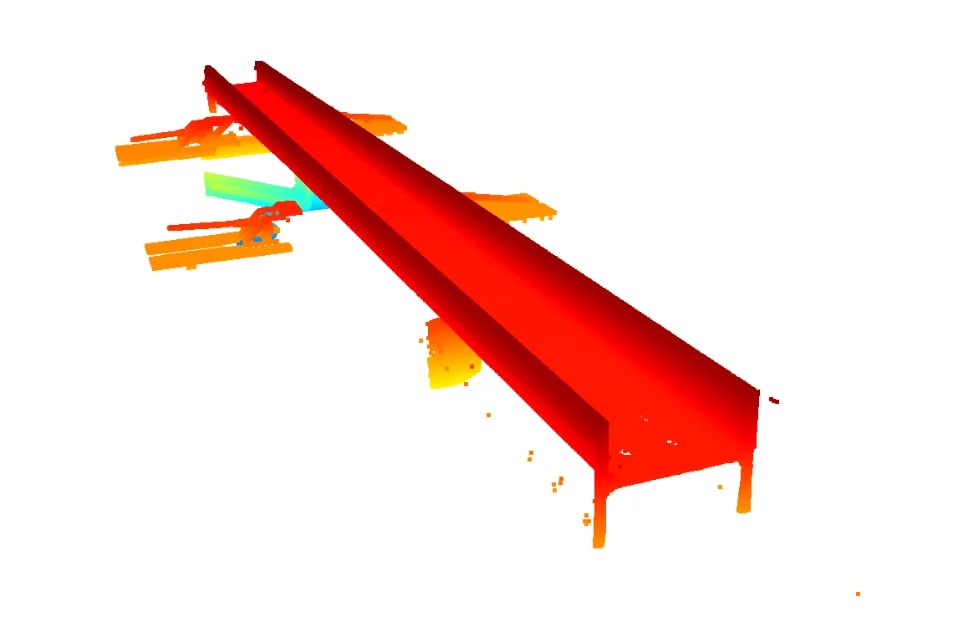
The system scans the real beam and compares its measured geometry with the production model. This gives the assembly workflow information about the beam that is physically present in the cell. The supported geometry, scan conditions and allowable deviations are reviewed for each application.
Check Parts Before Assembly
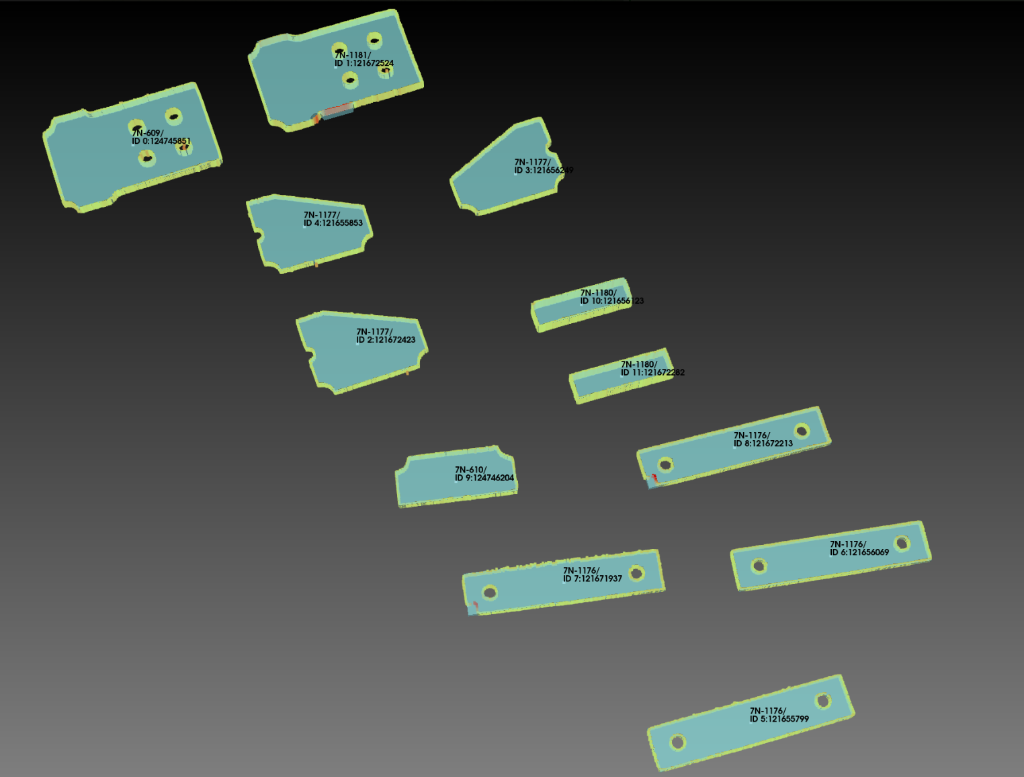
At the start of a job, Scanner scans the parts tables once. The software compares detected part outlines and thickness with the components required by the selected model. If an outline matches but the thickness differs, the operator receives a notification. The operator is also notified when a required part is missing. Parts on the table that do not belong to the selected project are ignored by the matching process.
From Measured Geometry to Assembly Coordinates
The interface overlays the measured beam point cloud on the 3D model. Green, yellow and red areas show how closely the two match; the colors are visual guidance, with acceptance limits defined for the application. Using the measured beam and part positions and dimensions, the software automatically calculates the transformation for the assembly robot. When the operator selects Continue, the transformed coordinates are sent to the robot.
The operator can decide to continue or pause after reviewing the match, but does not manually edit the part placement. If the deviation raises a question about how a component should be installed, a supervisor or production engineer makes that engineering decision.
Keep Assembly Measurement and Weld Location Separate
Scanner measures the beam and checks the parts prepared for assembly. Before a welding pass, TouchSense locates the weld. The current configuration does not continuously track the seam during welding or correct a weld path from a laser scan. These functions are distinct and should be evaluated against the parts and welding requirements of the application.
What to Share for an Application Review
Share representative beam models, component drawings, part thicknesses, connection details and workshop conditions. We can review what the system can identify, how exceptions are shown to the operator and which assembly steps are suitable for the proposed cell configuration. Agree a suitable transfer channel with our team before sharing confidential models.
Assembly Vision: Questions and Answers
Does the scanner check every part before each weld?
The parts tables are scanned once at the beginning of the job. The sensor also measures the beam. The scan is not a weld-by-weld inspection system.
What happens if the wrong part is on the table?
A part unrelated to the selected job is ignored. If a detected part has a matching outline but an incorrect thickness, the operator is notified. Missing required parts are also reported.
Does the scanner track the weld during welding?
No. TouchSense locates the weld before the welding pass. The current system does not continuously track the seam during welding.
What is the scanning accuracy?
Measurement limits depend on the workpiece, sensor configuration and workshop conditions. The applicable tolerances are defined during an engineering review of your parts and acceptance requirements.
Does an operator manually correct robot coordinates?
The software calculates the coordinate transformation from the measured geometry. The operator reviews the color-coded match and chooses whether to continue. If a part placement requires an engineering decision, a supervisor or production engineer reviews it.
From Technology to Your Production Cell
Compare the two systems, review an application, and define the scope for your own production mix. Configuration and output depend on the parts, weld access, and handling requirements.
QUANT STEELFAB specifications
Beam assembly and welding with operator-guided, crane-assisted setup changes.
QUANT STEELFAB 360 specifications
The same assembly and welding workflow, with operator-initiated rotation to the next setup.
Beam assembly project in India
Explore the operating QUANT STEELFAB installation in Mangalore and its production workflow.
Request a feasibility review
Discuss your beam portfolio, weld requirements, and site constraints.